
Nani's House Summer
Rising · New

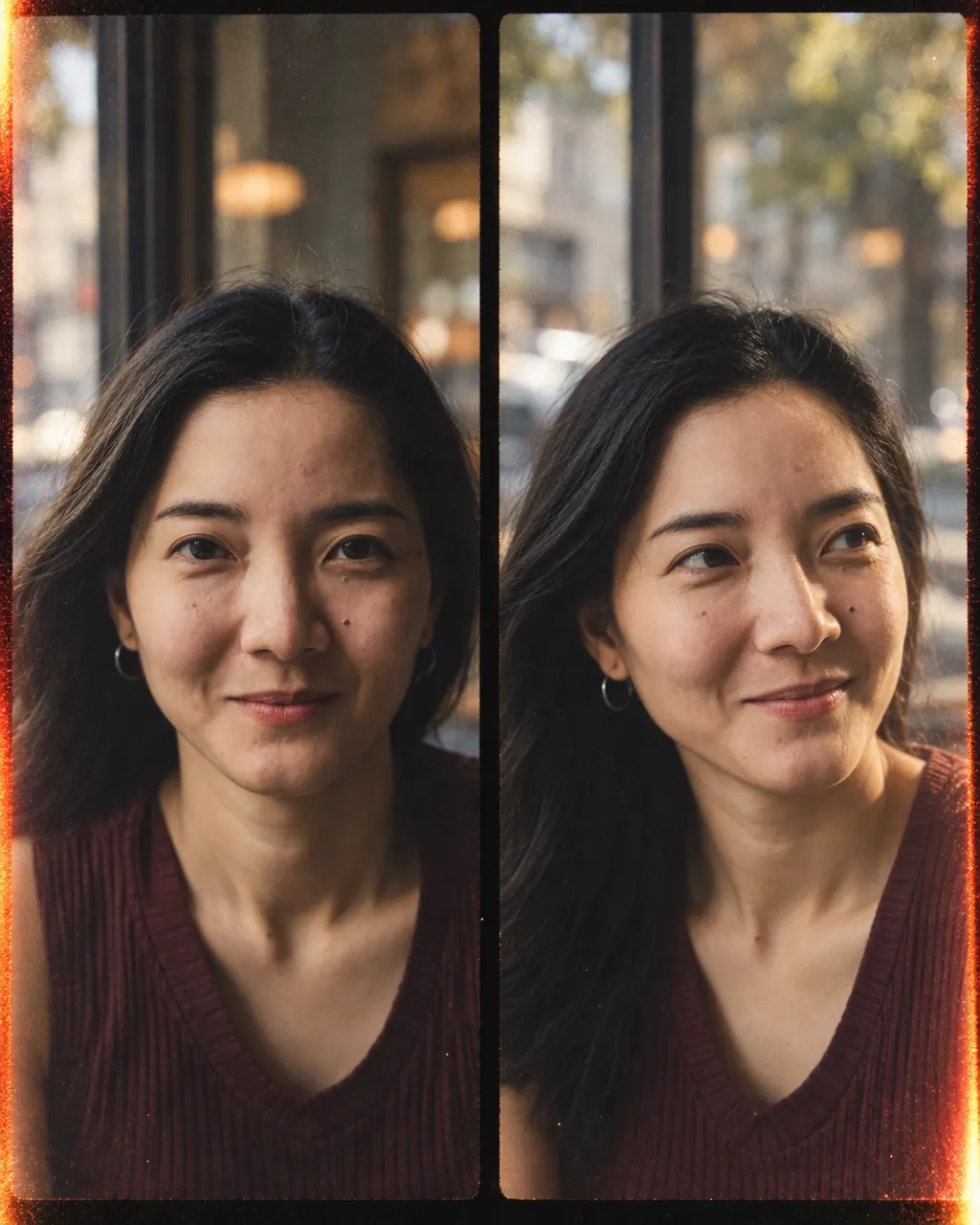
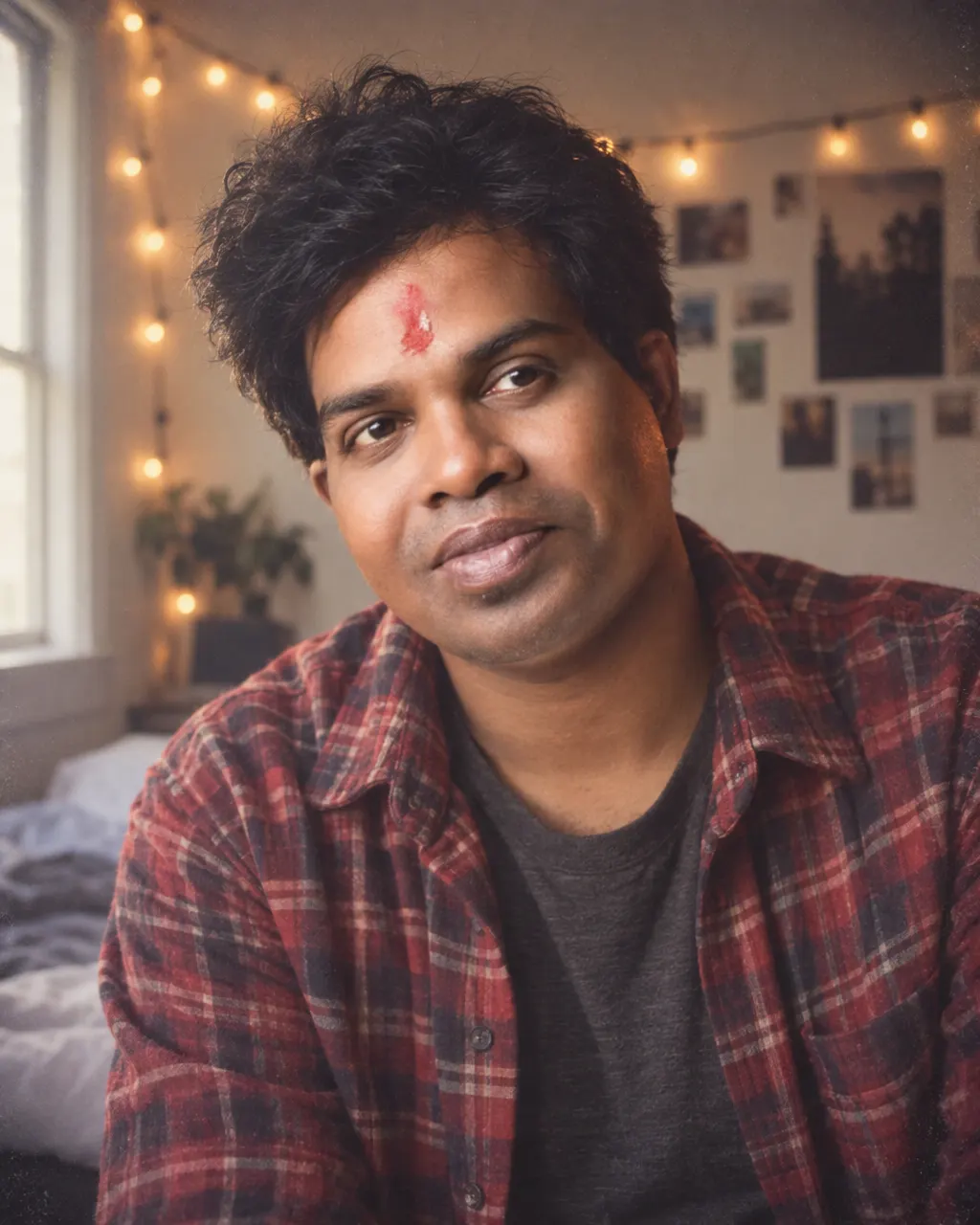
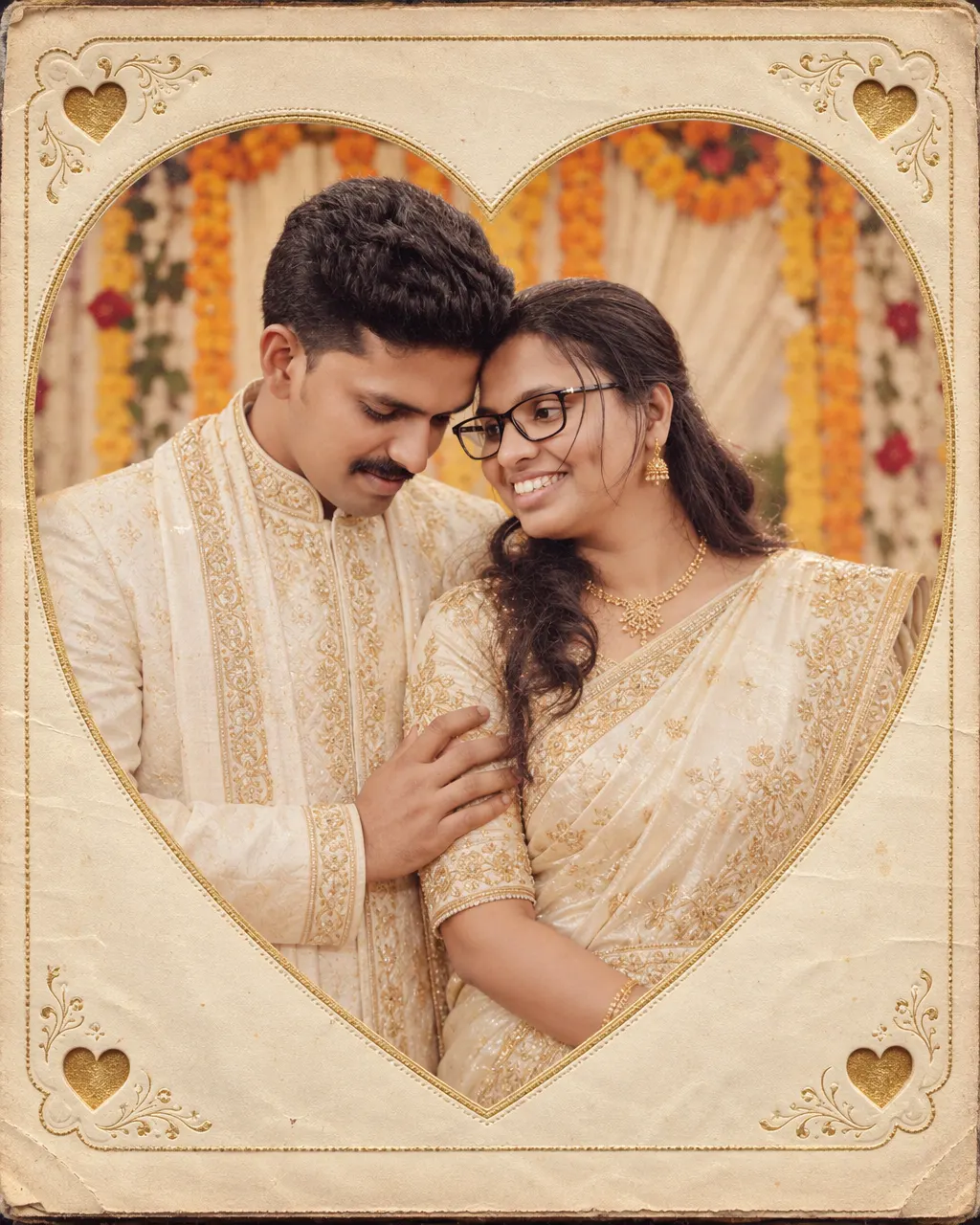
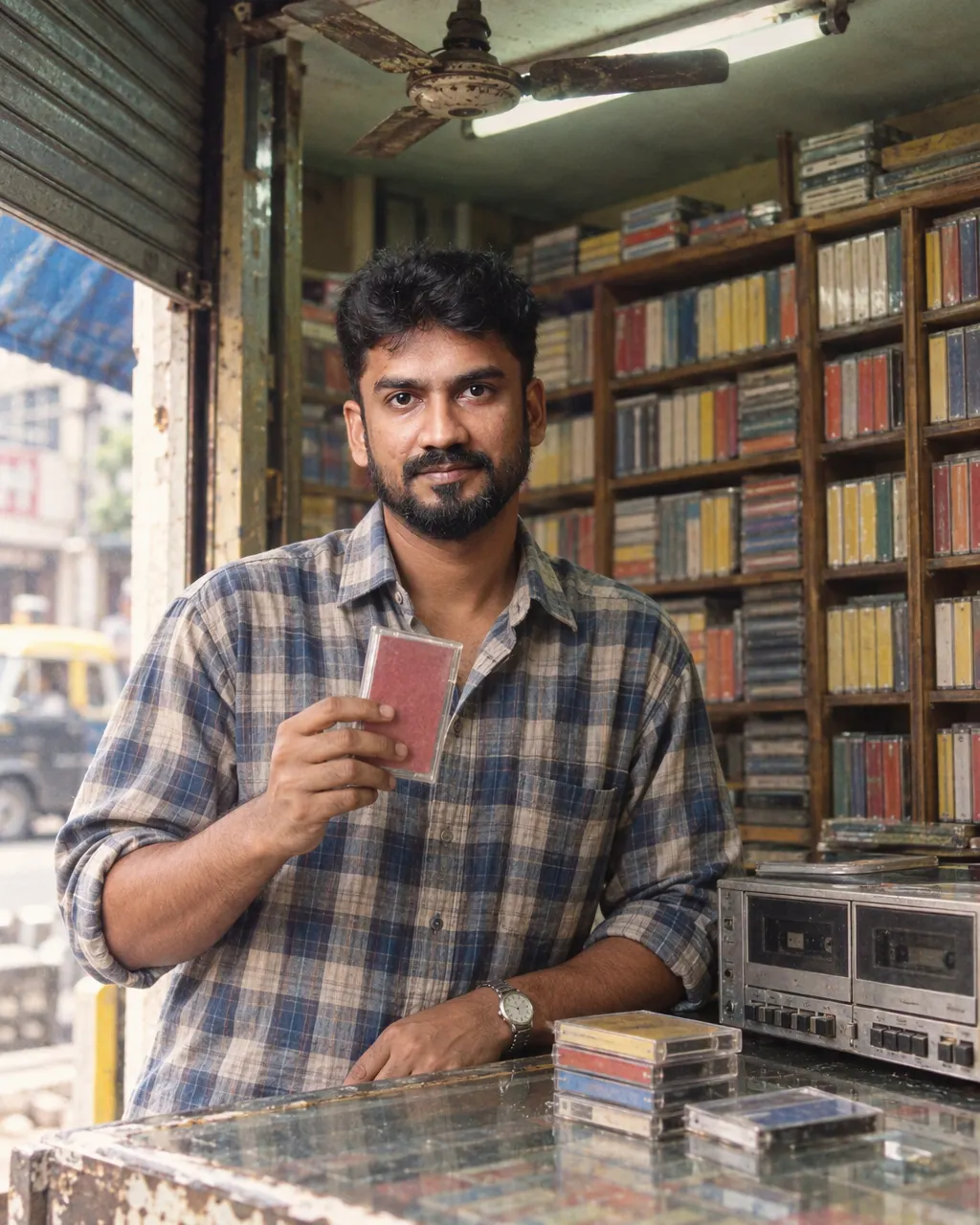
Your portrait with an early Instagram filter: faded colour, soft grain and a classic square crop.
Using my uploaded photo, edit it into a square portrait that looks posted on Instagram in 2012. Keep the same person, face, facial features, skin tone, age, body shape and hairstyle; do not reshape or beautify their face. Keep their outfit, jewellery, head angle and expression from the photo. Crop to face and shoulders, with the face large and recognisable and a little space above the hair. Retain the original setting as a softly subdued background, without adding objects. Apply , keeping the person's underlying skin tone recognisable. Use gentle window-like light, slightly compressed highlights and the casual softness of an early smartphone camera, not a modern studio portrait. Finish with fine digital noise, gently lifted blacks, a subtle dark corner vignette and . Square 1:1. Make this a believable filtered photograph, not an illustration or a screenshot of an app. Avoid extra people, plastic-smooth skin, exaggerated orange skin, heavy blur, distorted features, garbled text, dates, captions, logos and interface elements.
Add to it
If it drifts: If the filter changes your face, ask for a colour-and-texture edit only, keeping the original facial details untouched.
Rising · New

Rising · New
Rising · New
Rising · New

Rising · New

Rising · New
Rising · New

Rising · New

Rising · New